Troubleshooting
The Panel Lights Up and Ignores You. Check the Lock First
An Electrolux control lock is a deliberate feature that stops the panel responding so a running cycle cannot be changed by a passing hand. On a front-load washer it displays LOC. On a cooktop it shows a dash across the display, and the maker's own instruction is to press and hold OFF for six seconds — most people let go at three, which releases nothing and proves nothing. On a dryer the related setting is Mute, which switches the end-of-cycle chime off and leaves an owner convinced something has failed. None of the three is a repair, and all three look identical to a dead panel from across a room.
The full guide
The Electrolux control lock is the cheapest problem in this whole site, and it reaches us more often than most things that are genuinely broken.
What it looks like
The appliance is lit. The display is doing something. Every button you press does nothing at all.
From six feet away that is indistinguishable from a control board that has died, and it is what people describe on the phone: "it powers up and it will not respond."
Three places it hides on this badge
On a front-load washer it shows LOC. The maker names the condition — control lock activator — and publishes nothing further behind it, because the button combination differs between models. The panel stops responding so a cycle cannot be changed by a passing hand or by a child at exactly eye level with the controls.
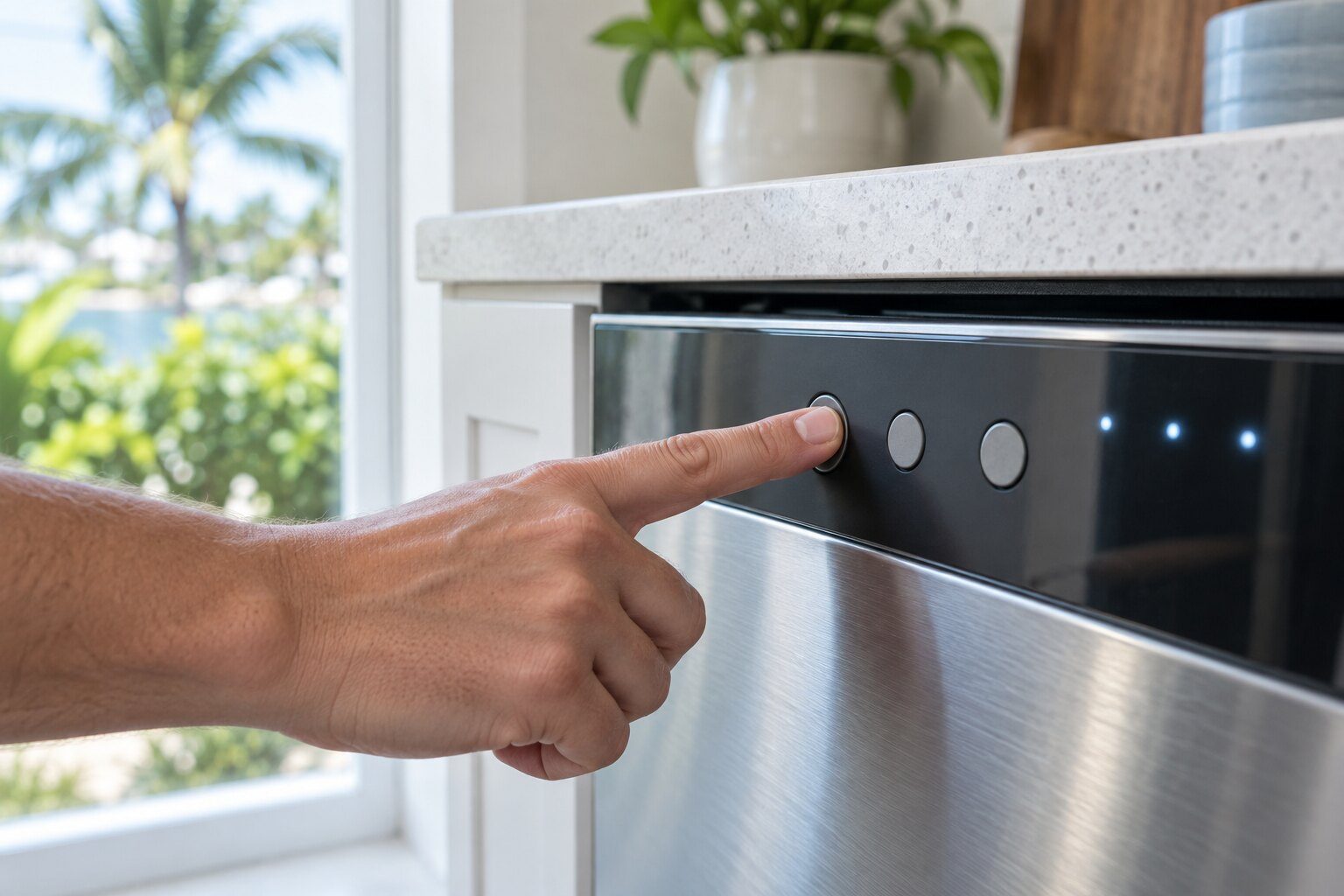
On a cooktop it shows a dash. Not a code, not a number: a line across the display, because there is nothing else the control is willing to say while locked. The maker's own instruction is to press and hold OFF for six seconds. Most people hold it for three, conclude nothing happened, and stop. That single difference accounts for a real share of these calls.
On a dryer it is Mute. Not a lock, but the same shape of problem: the end-of-cycle chime is switched off, the machine no longer tells anybody it has finished, and the load sits creasing. Nothing has failed. Some models light a speaker icon to say so.
Why it is switched on so often
Nobody sets it deliberately. It gets switched on by a dishtowel dragged across a panel, by a child, and by whoever last wiped the controls down — which on a cooktop is a weekly event.
That is also why it is worth ruling out first on any appliance that has recently been cleaned. A wet cloth on a touch panel can do both this and a genuine problem, and one of the two costs nothing.
How to tell it apart from a real problem
Look for the icon. A key or a padlock, usually small, usually on the panel rather than in the display. If it is lit, that is the whole story.
Check whether the panel is lit at all. A locked panel is illuminated and unresponsive. A dark panel is a power problem, a door switch, or the control itself — and that one is worth booking.
Check what has just run. After a self-clean cycle the oven door stays locked through the cool-down and the cooking surface is locked out with it. That is not a problem and it releases itself.
If the hold does not release it
On a cooktop, give it thirty seconds at the breaker after the six-second hold. If the dash comes straight back with no cycle running, the control is refusing to let the lock go and that is a repair.
On a washer, if the panel is unlit and unresponsive with no lock icon anywhere, this is not LOC and the machine has a power or control problem instead.
Either way you have spent two minutes and ruled out the free answer, which is the correct order to do this in.
If it turns out to be a repair
What this leads to, and what it costs
Every job on this site is priced the same way: an on-site diagnostic first, the figure agreed in writing before anybody starts.
-
Washer signal LOC
Electrolux washer — reported by blinking lights rather than by a code. The control lock is on.
What the lights are telling you -
Washers
Six machines, and every one of them is a front loader — 300, 400, 500, 600 and 700 Series plus a 24-inch compact. This make builds no top-load washer at all, which is the clearest single difference between this badge and the mass-market half of the same group. Laundry is the deep end of this line rather than an afterthought: 22 machines across washers, dryers and towers against six refrigerators. The maker publishes eight washer codes with real procedures behind them, and — worth knowing before you are quoted — three of those eight are installation problems rather than failures.
- Six washers, all front-load, 300 through 700 Series plus a 24-inch compact
- No top loader is built on this badge at all
- Three of the eight published codes are installation problems, not failures

Questions people ask about this
The panel is completely dark and nothing responds.
That is not the lock. A locked panel is lit and unresponsive; a dark one is power, the door switch circuit or the control. Worth booking rather than troubleshooting.
Why does my cooktop show a dash after a clean cycle?
The oven door stays locked through the cool-down and the surface is locked out with it. That is correct behavior and it releases itself once the cavity is cold.
Where is the lock button?
It differs by model and it usually shares a button with something else, needing a hold rather than a tap. This maker documents the condition and sends you to the book that came with the machine for the combination, which is honest rather than unhelpful.
Troubleshooting
More guides like this one
-
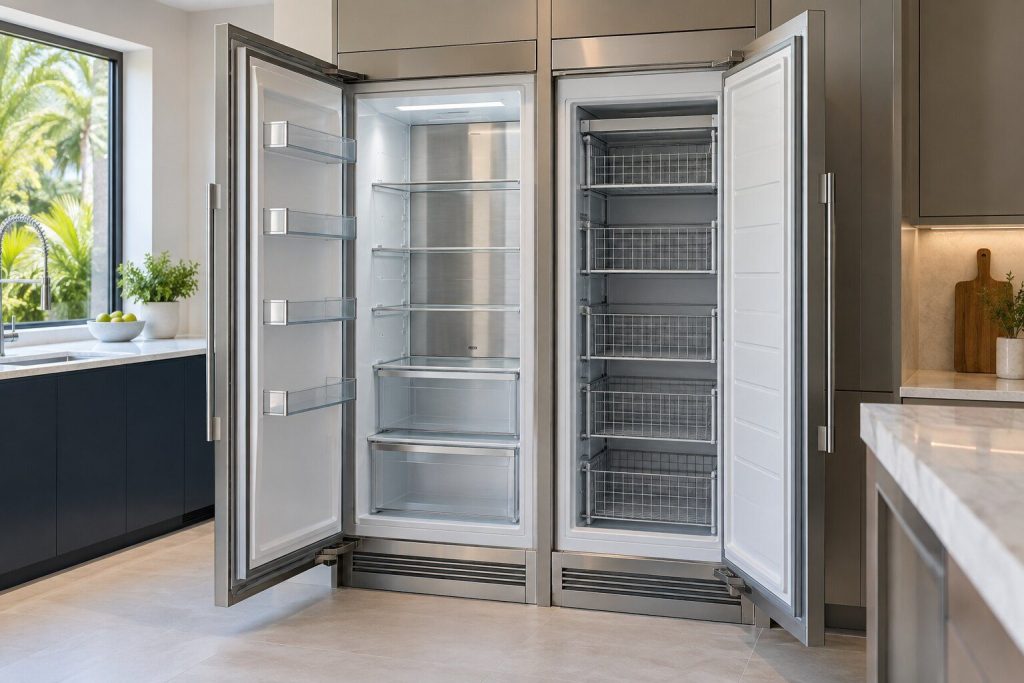
It Looks Like One Appliance. It Is Two
The 33-inch refrigerator and freezer columns share a trim kit and a grille and nothing else. Two sealed systems, two controls, and model numbers that differ by a single letter.
Read more -
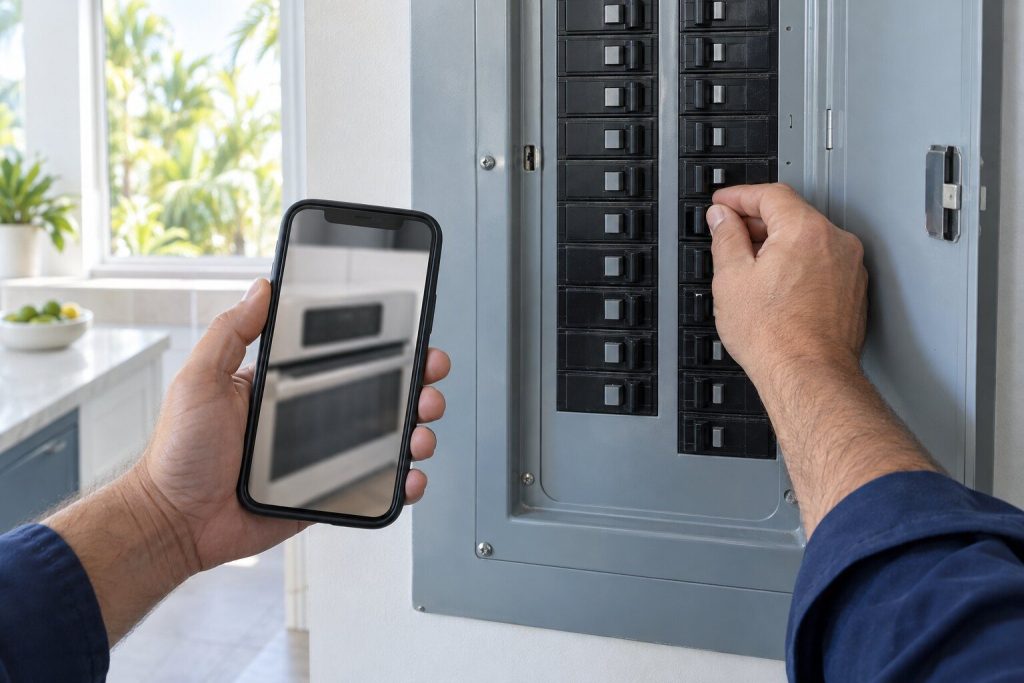
Resetting an Electrolux Range, and What the Reset Actually Proves
Most of this maker's range codes are published as a name and thirty seconds at the breaker. The reset is usually right. Doing it before you have written the code down is not.
Read more -
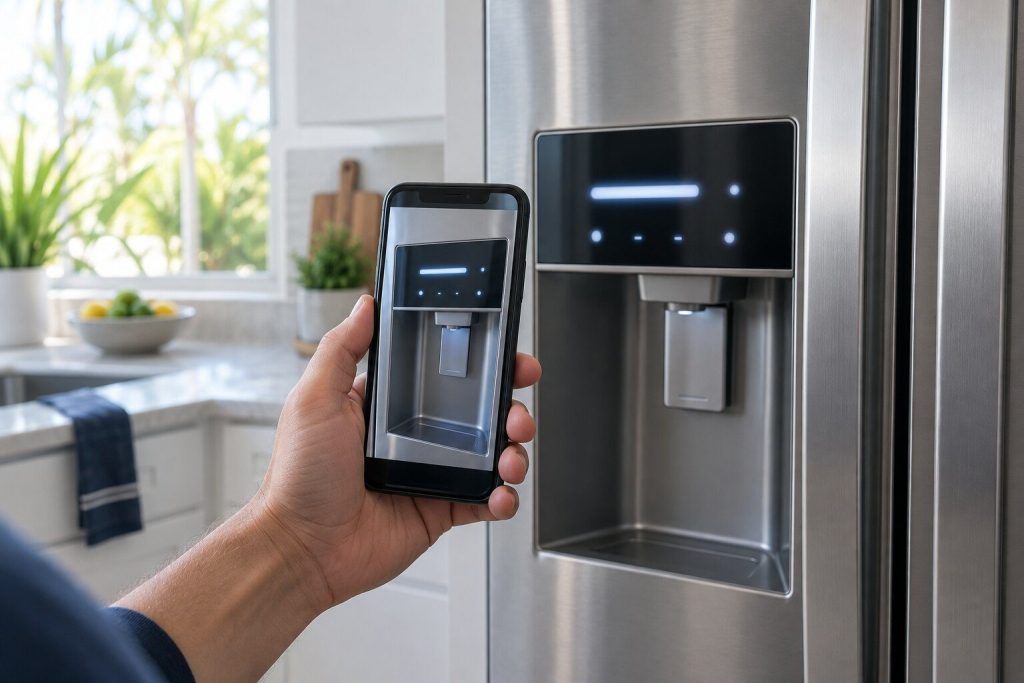
Your Refrigerator Kept a Number for You. Read It Before You Clear It
Clearing the alert once shows the highest temperature the cabinet reached. Clearing it a second time deletes that number, and it is the one that decides what happens to the food.
Read more
Tell us the model number and what it is doing.
This article is based on:
- Official manufacturer documentation
- Internal repair procedures
- Technician repair history
- Company quality standards